
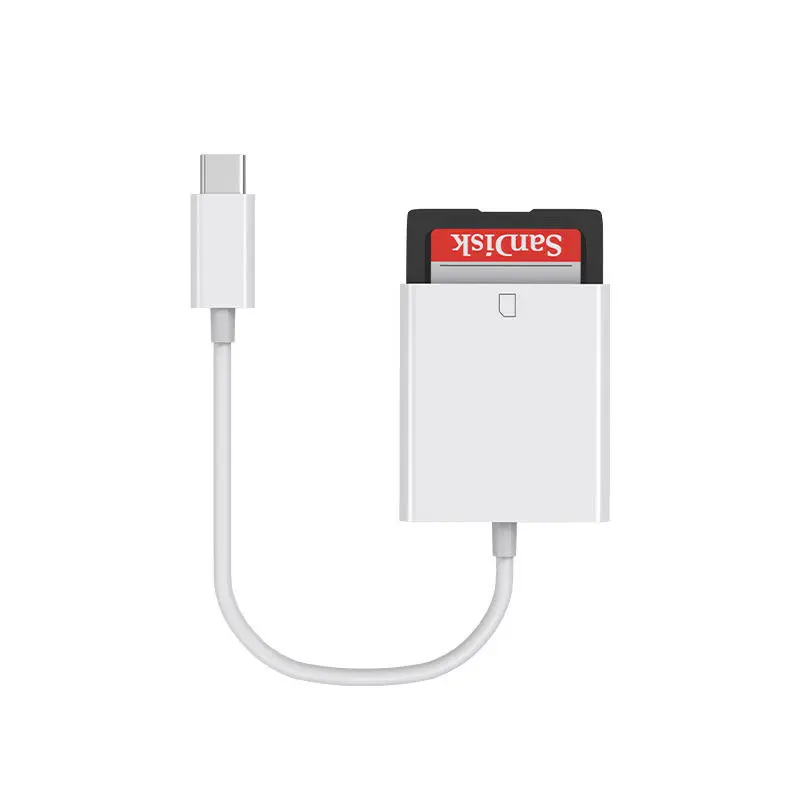
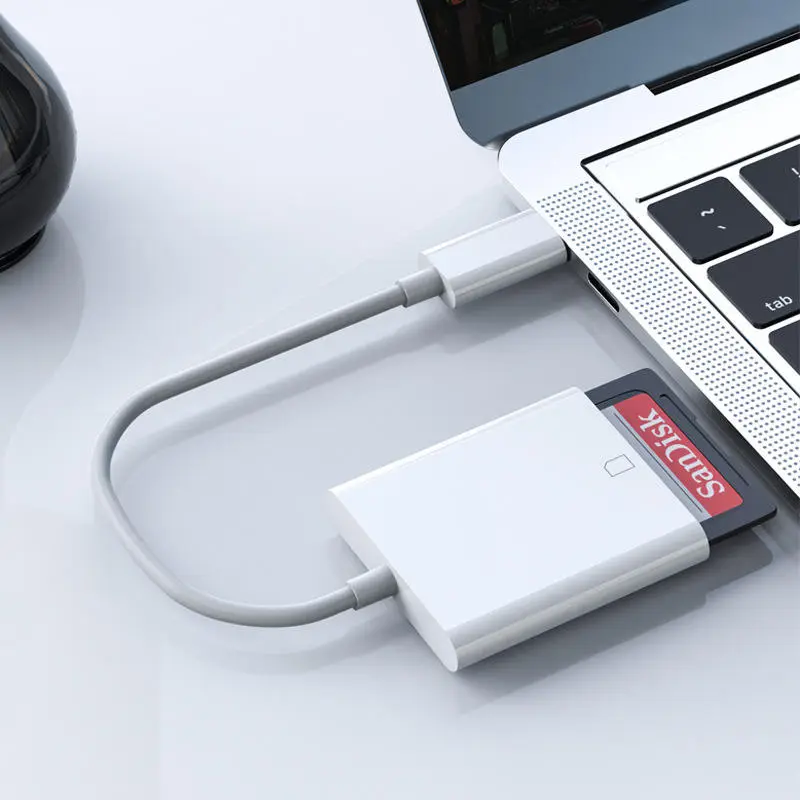
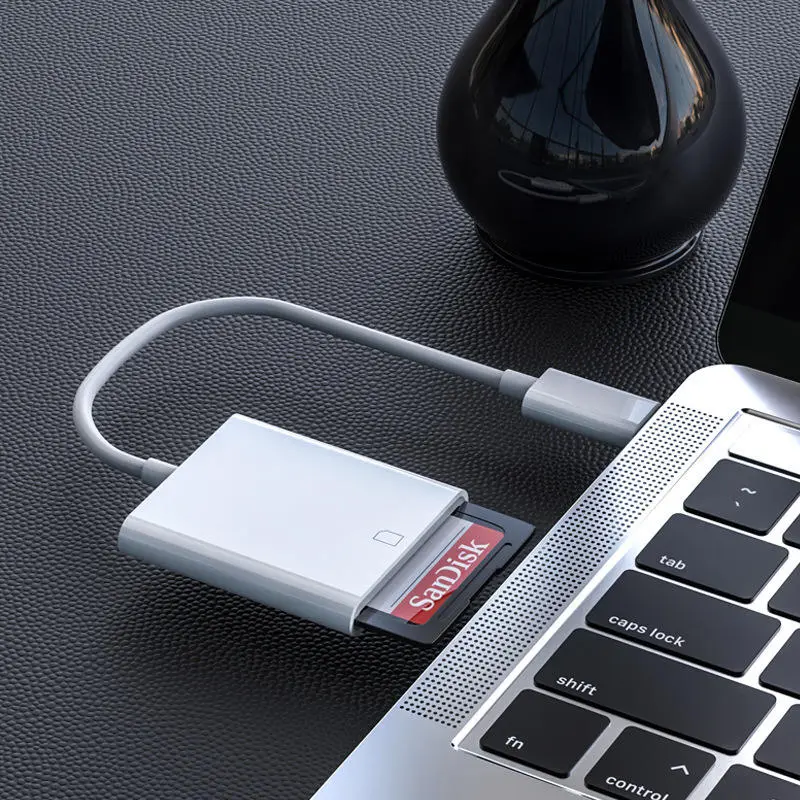
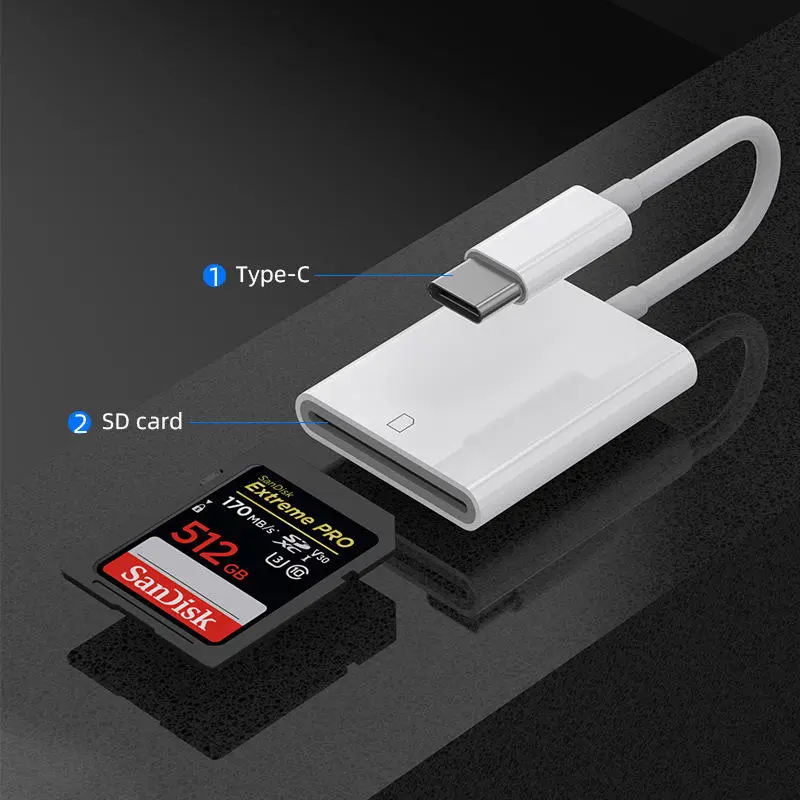
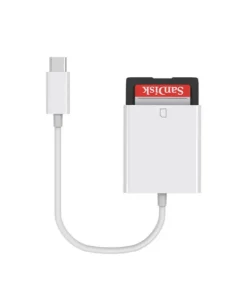
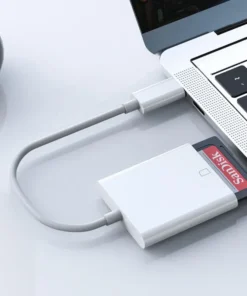
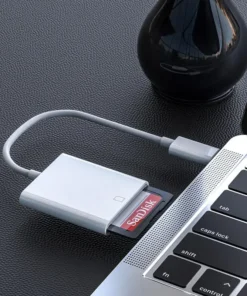
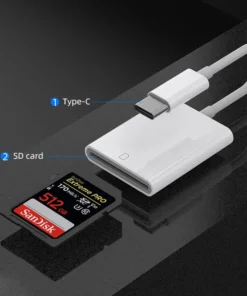
USB Type C SD Card Reader OTG Adapter Cable
USB Type C SD Card Reader OTG Adapter Cable for Computer, Laptop, Phone, Pad
USB Type C SD Card Reader OTG Adapter Cable for Computer, Laptop, Phone, Pad
digital camera, and transfer them to your iPhone/iPad/iPod Touch, and then you can easily enjoy them with your family and friends
And shared it.
Working voltage: 3.3V
Working current: <100mA
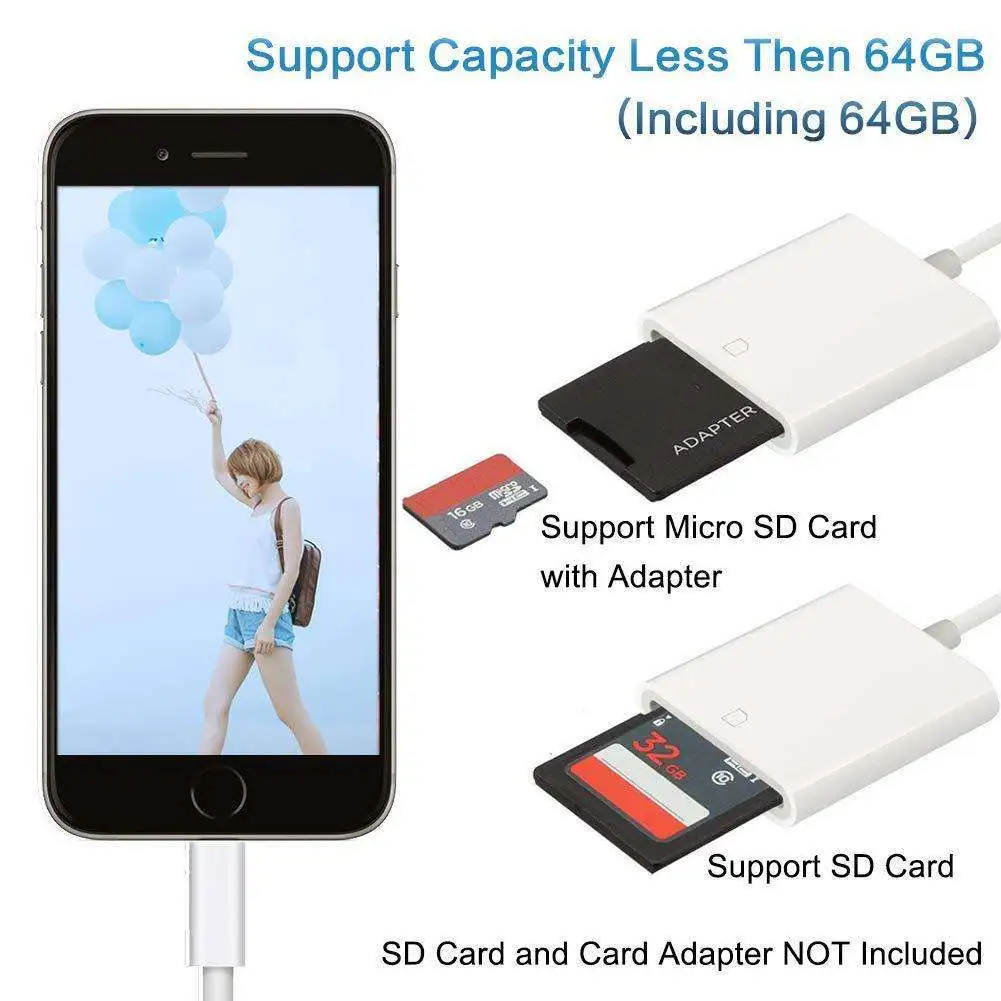
Interface: Lightning and SD card
Card reading speed: USB2.0 speed (14MB / S?? 16MB / S)
First step: Export photos from SD card
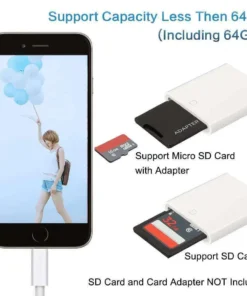
Second step:Insert the SD card into the adapter.
Third step: Insert the product into the connection port on iPhone/iPad/iPod Touch through Lightning.
Fourth step: Your iPhone/iPad/iPod Touch will automatically open the photo application and categorize the photos into “Photos”, “Photo Albums” and “Memories”. When you use iCloud Photo Library, all high-resolution photos and videos can be safely stored in iCloud and automatically added to the photo app on all devices. With iCloud photo sharing, you can freely choose who you are willing to share photos and videos with.
This adapter supports general standard photo formats such as JPEG and RAW and HEIF / HEVC, as well as SD and HD video formats including H.264 and MPEG-4.
The Lightning SD card camera adapter is compatible with standard SD and SDHC. Through the card reader with the corresponding slot, it can also support mini and micro SD cards (the card reader is not included in this product). In addition, MMC cards are also supported.
2. If the SD card is not readable, please check if iOS 9.2 or later is installed on iPhone, iPad and iPod touch.
3. If the photos and videos are not generated from the camera, you need to turn to the computer for help. Create a file named “DCIM” to the root directory of your SD card, and transfer all the photos and videos that need to be exported there, because only the photos and videos in the DCIM folder can be exported.
4. Check whether the video file is H.264 or mpeg-4 from the attribute information. Rename each photo and video file, such as “MVI_XXXX”, and XXXXX is a single number. For example, if you have a JPG file and a MOV file, name them with MVI_0001.JPG and MVI_0002.MOV.
Be the first to review “USB Type C SD Card Reader OTG Adapter Cable”
You must be logged in to post a review.
Related products

USB Cable | USB Adapter
USB 3.1 Type C USB-C to DC 5.5 X 2.5mm Power Jack Extension Charge Cable
USB Cable | USB Adapter
USB Adapter Cord 2.5mm Replacement DC Charging Cable USB Fast Charging Cable
USB Cable | USB Adapter
USB Cable | USB Adapter
USB Type a Male to Olympus CB-USB5 / CB-USB6 Male Sync Data Cable for Computer PC
USB Cable | USB Adapter
USB 2.0 a Female Plug to 2 Dual USB a Male Jack Y Splitter Hub Adapter Cable
USB Cable | USB Adapter
USB Cable | USB Adapter
USB 3.1 Type C Coiled Right Angle Extension 10Gbps Spring Spiral Male to Female Cable
USB Cable | USB Adapter
USB 3.0 B Male to Printer B Female M/F Adapter Converter Connector

Reviews
There are no reviews yet.